Compressor Short Cycling
Repeated starts, pressure trips, condenser issues and same-day escalation.
Read the guide →Use these commercial refrigeration guides to document symptoms, protect inventory and know when a technician is required. The resource center also connects each problem to the correct walk-in, freezer, ice-machine, reach-in or manufacturer-specific service page. Commercial facilities only.
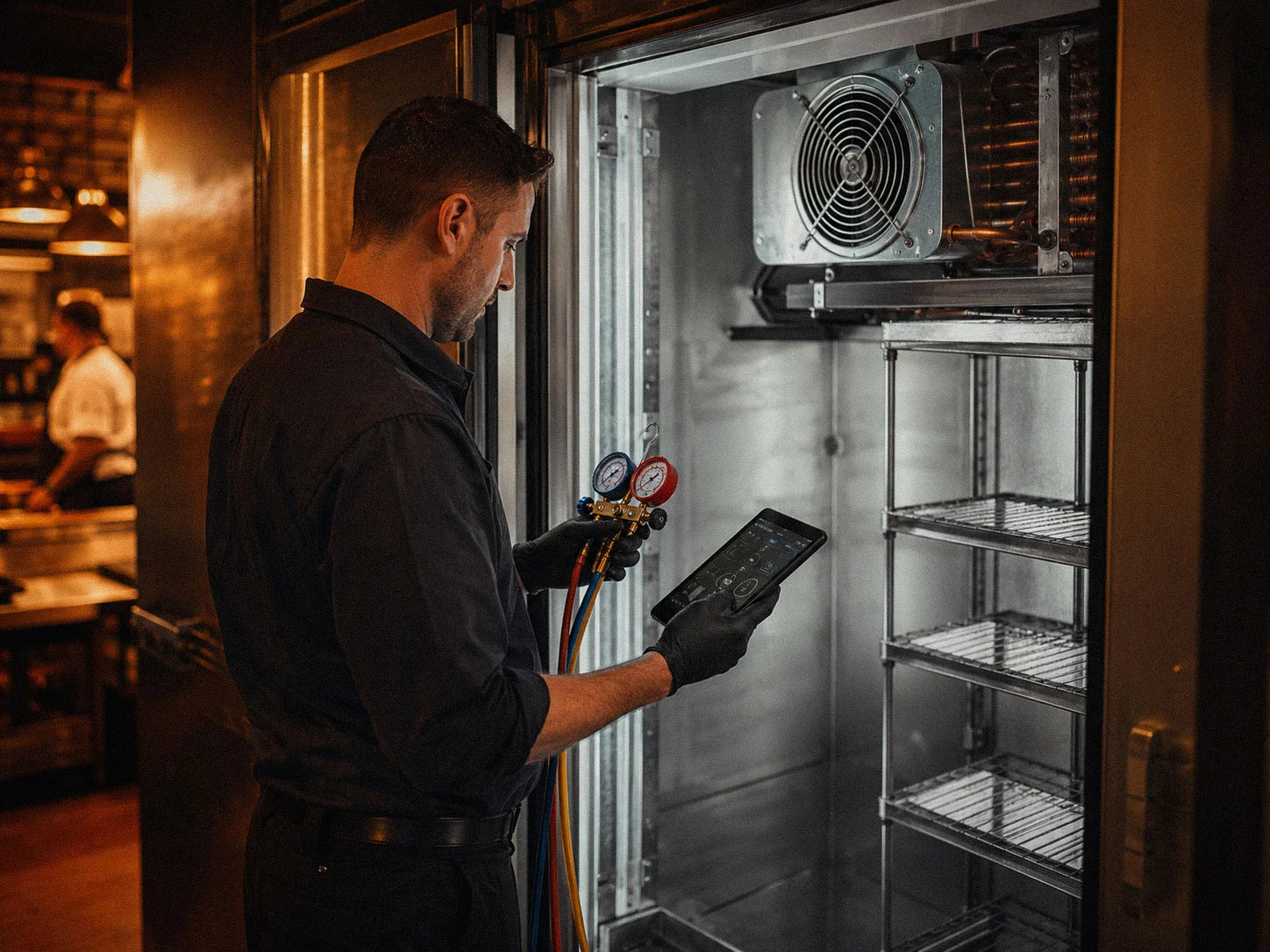
These guides cover visible conditions and safe operator checks. They do not replace licensed refrigeration, electrical or sealed-system diagnosis.
Repeated starts, pressure trips, condenser issues and same-day escalation.
Read the guide →Doors, airflow, evaporator ice, controls, leaks and inventory protection.
Read the guide →What visible ice means and why chipping it is the wrong move.
Read the guide →Door heaters, gaskets, moisture and safe access decisions.
Read the guide →Power, water, filter, condenser, bin sensor and fault-code checks.
Read the guide →Move directly to the service hub for equipment-specific repair pages.
View refrigeration services →A useful service request is more than “the cooler is warm.” A few safe observations can shorten diagnosis, help protect inventory and give our office a better picture of the equipment before a technician arrives.
Write down the displayed temperature and, when available, an independent product or box temperature. Note whether the temperature is steady, slowly rising or changing quickly.
Tell us when the symptom started and what happened immediately before it: a delivery, cleaning, power interruption, heavy door traffic, unusual weather or another service visit.
A clear photo of the manufacturer, model and serial plate can save a second phone call. If a controller shows a fault code, photograph the code before resetting anything.
Check doors, gaskets, visible ice, blocked airflow and obvious water. Do not open electrical panels, remove guards, adjust refrigerant components or chip ice from an evaporator coil.
Follow your food-safety or inventory plan when temperatures are moving out of range. Moving product early is usually cheaper than waiting for the equipment diagnosis to be complete.
Burning odors, repeated breaker trips, hot wiring, heavy water near electrical components or a rapidly rising box temperature are service-call conditions, not operator troubleshooting projects.
Start with the guide that matches what the operator is seeing, or move directly to commercial refrigeration service when inventory is at risk.
Call during office hours or submit the equipment, location and symptom details so our office can route the request correctly.
Our office will be in touch promptly.